Your business, in front of the community
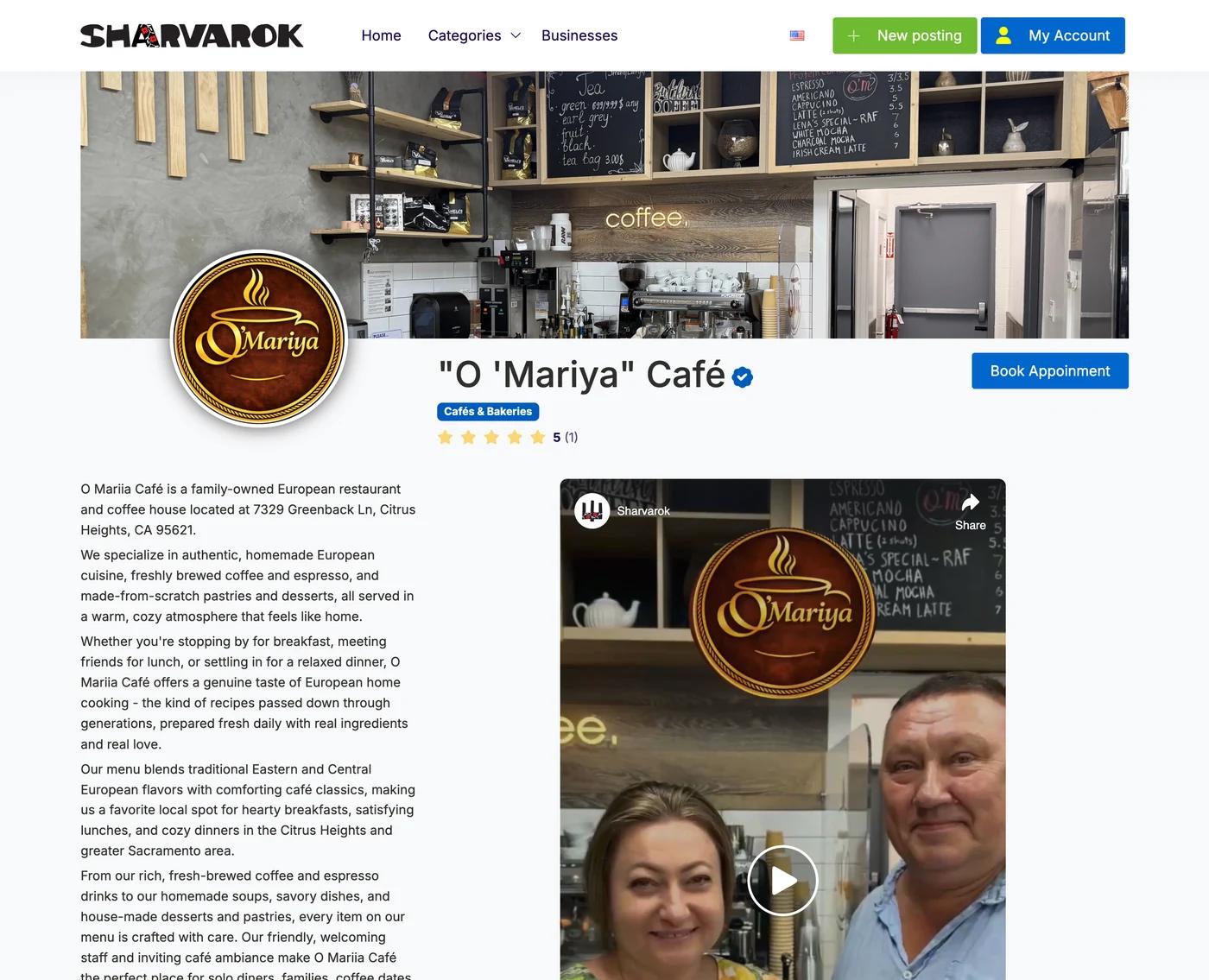
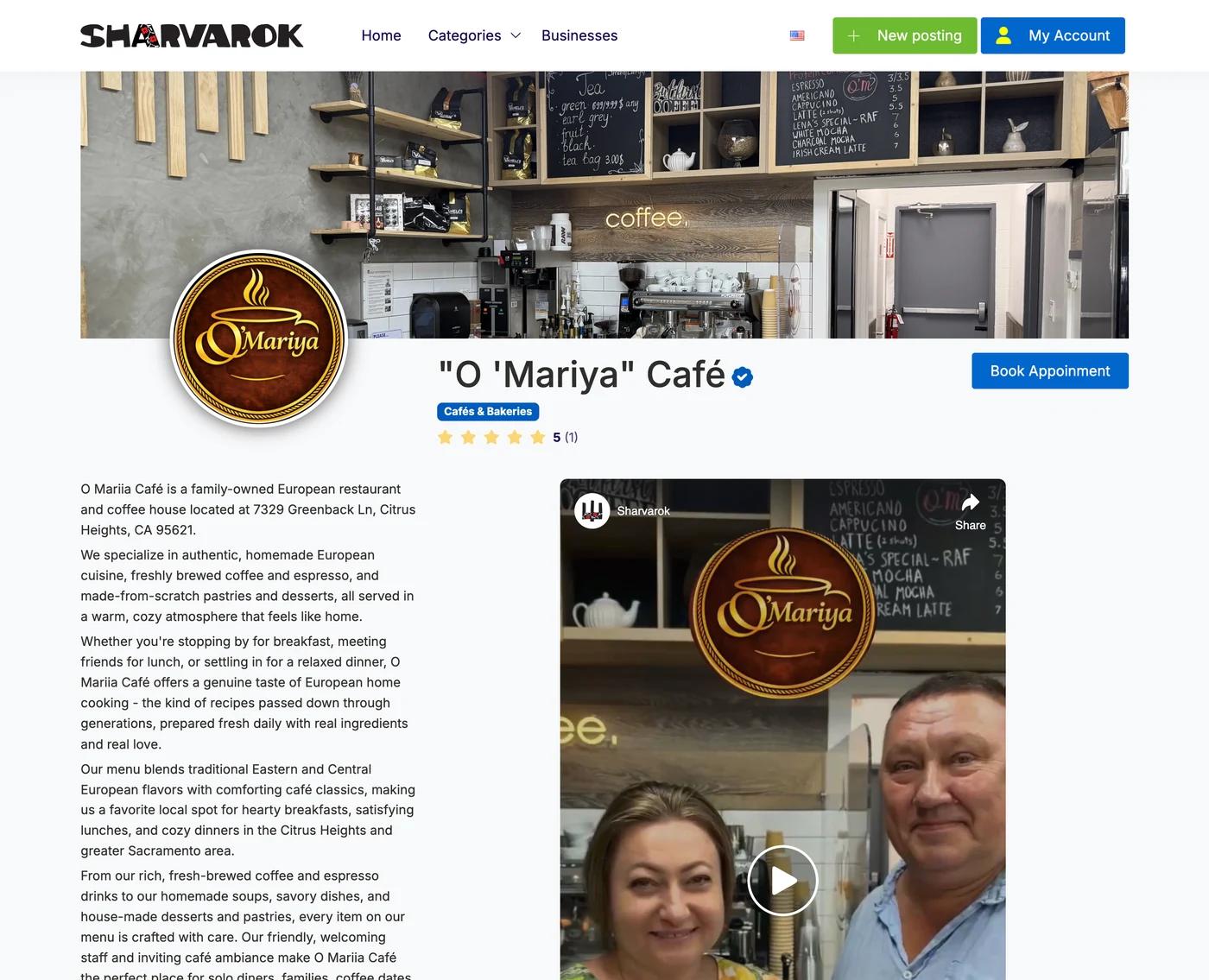
A business profile on Sharvarok is a page people can open before they call you: who you are, what you do, how to reach you and what you are offering right now.
Why it is worth it
One page instead of explanations
Logo, description, hours, phone, site and social links. Send one link - and the person sees everything at once.
All your listings together
Everything you post is collected on the profile. Someone who liked one offer immediately sees the rest.
Found in search
The profile appears in the business catalogue and in search - including searches by city, so people nearby find you first.
A path to the badge
When the profile is ready, you can apply for verification. The badge next to your name is what removes the last doubt.
Getting started
- 1
Create an account
Sign up on Sharvarok.
- 2
Create a listing in the appropriate category
Choose the category that best fits your listing and create your first listing.
- 3
Create a business profile
Go to My Account → Business Profile and start building your profile.
- 4
Fill out the form
Complete the form in English and Ukrainian. Add your business details, description, service areas, social media links, website, phone, email, and upload your logo.
- 5
Save and send for approval
Save your information and send a request for approval. Our team reviews it and activates your business profile.
Choose a placement period and save
When creating a listing in your business area, choose a period of placement and get a discount. Longer period, more savings.
3 months
5%
discount
6 months
10%
discount
12 months
15%
discount
The discount applies to the base price of the category you choose.
Better visibility with SEO and AI
Each business profile includes its own SEO-optimized page with a permanent Sharvarok URL, increasing your visibility in Google and making it easier for AI platforms like ChatGPT, Gemini and Claude to discover your business.
Ready to get started?
Create your first listing and start growing your business on Sharvarok.